Loading…
Tutorials
Learn how to use Ease Voice Lab with step-by-step guides.
Getting Started
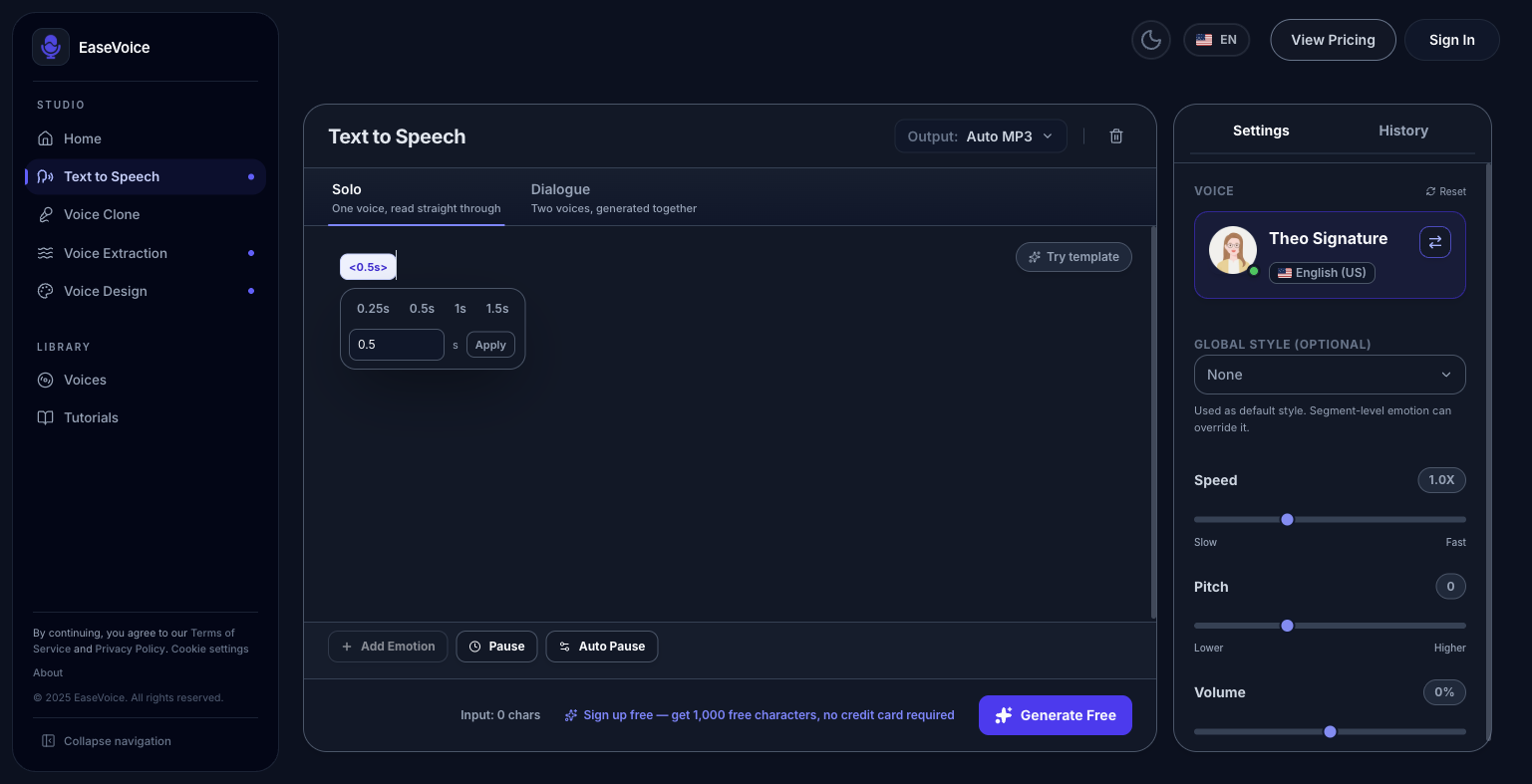
How to Add Pauses to Text to Speech in EaseVoice
Add a pause at one point or set sentence and paragraph pauses in EaseVoice. Follow a short script example, check voice compatibility, and review timing.
Oct 15, 2026
Getting Started
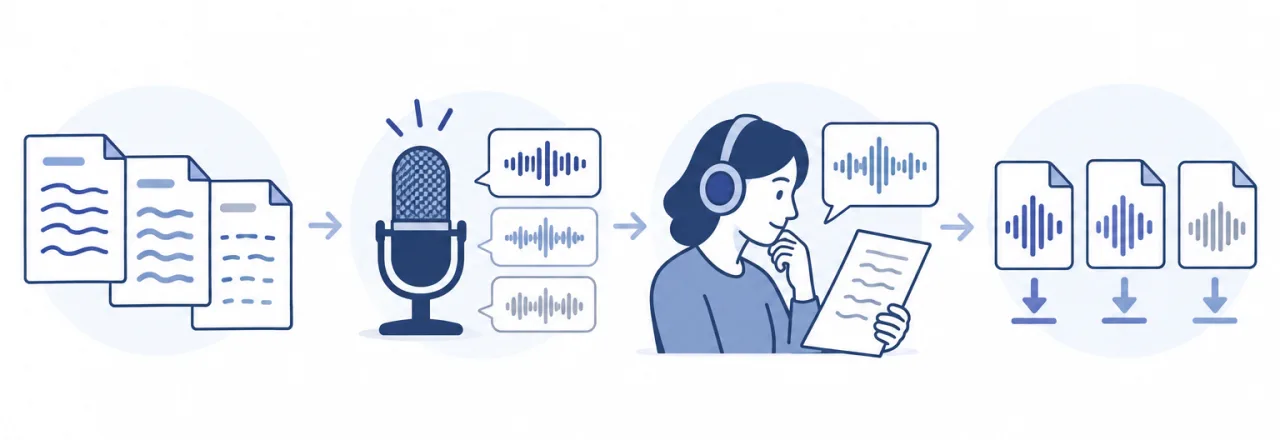
Multilingual Voiceovers: Prepare Scripts and Choose Voices
Plan separate language scripts, choose compatible EaseVoice voices, and review pronunciation before exporting each narration version.
Oct 15, 2026
Getting Started
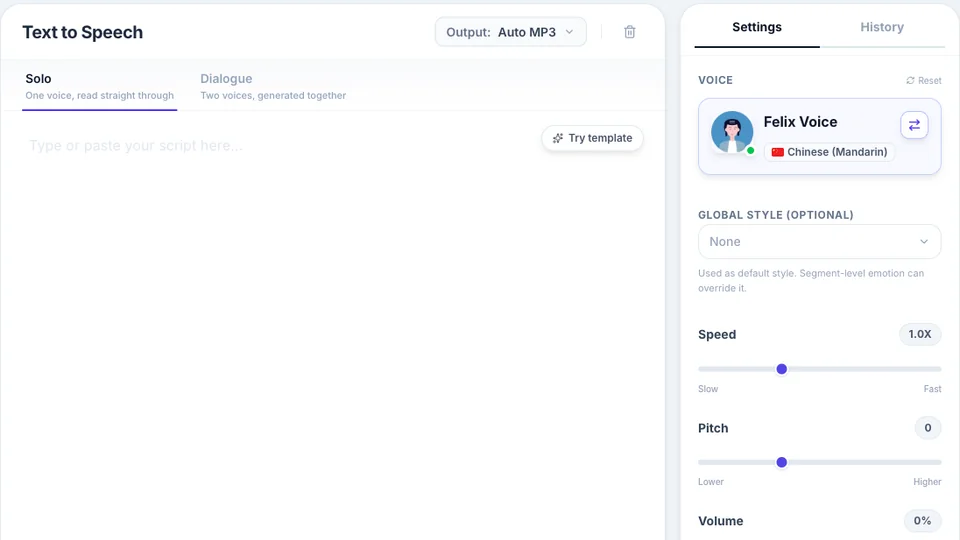
Text to Speech Online: Prepare and Download a Voiceover
Prepare a script, select an available voice, check a short sample, and download narration using the EaseVoice text-to-speech studio.
Oct 15, 2026
Getting Started
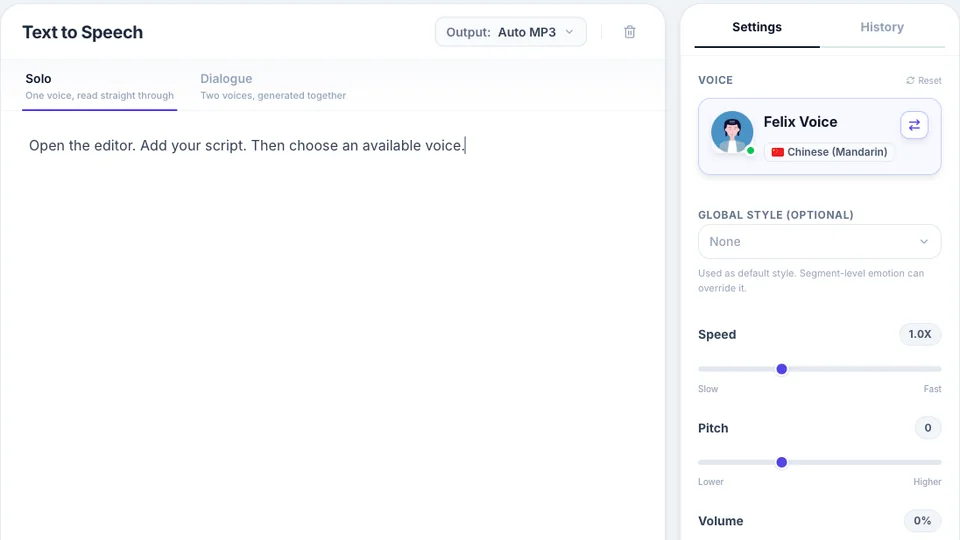
Voiceover for Videos: From Script to Narration
Write narration to match your scenes, prepare audio in EaseVoice, and check downloaded speech in your existing video editor.
Oct 15, 2026
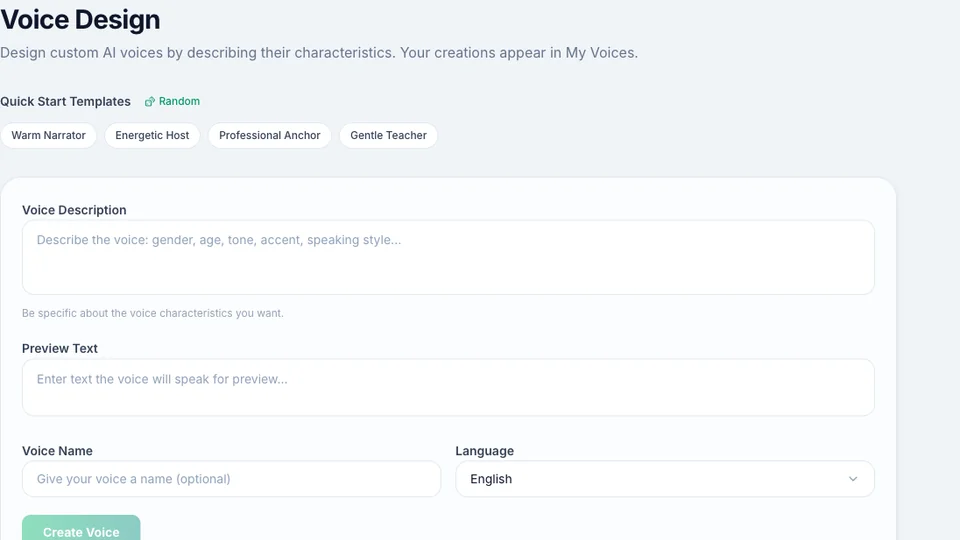
Voice Design
How to Design a Custom AI Voice from a Text Prompt
Create a one-of-a-kind AI voice just by describing it — gender, age, tone, accent, and style. No recordings or training data needed, ready in seconds with Ease Voice Lab.
Jun 11, 2026
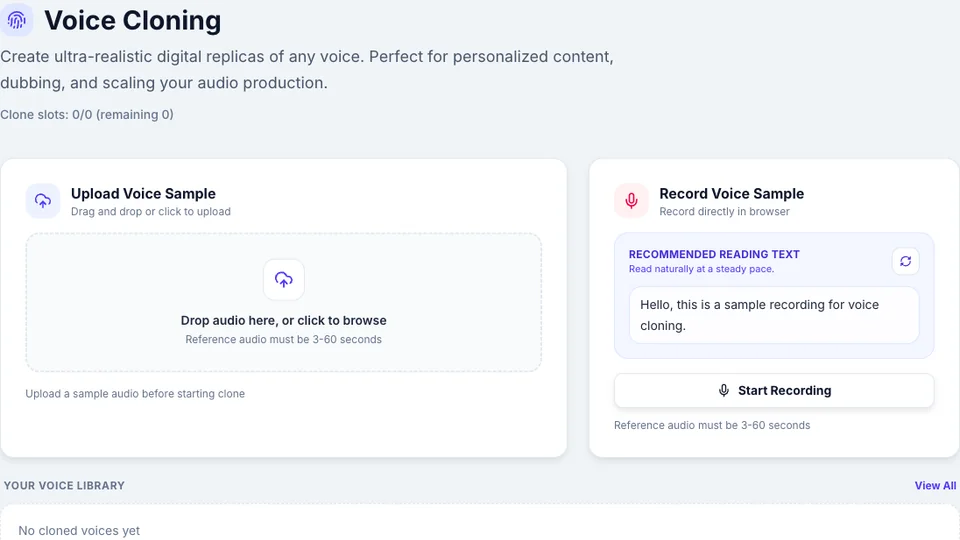
Voice Cloning
How to Clone Your Voice with AI
Clone any voice in minutes with Ease Voice Lab. Upload or record a short sample, then generate realistic, multilingual speech for podcasts, videos, and audiobooks.
Jun 10, 2026
Getting Started
Getting Started with Ease Voice Lab
Learn how to generate your first AI voice in under 2 minutes — from choosing a voice to downloading your audio.
Apr 8, 2026